For Professionals

What This Is

This page explains a complementary awareness option, Alerta Home, that families sometimes explore during or shortly after discharge from a hospital, rehabilitation facility, or skilled nursing setting.

Discharge managers and case managers are often asked how families can stay informed once formal services are reduced or intermittent—- especially when responsibility shifts quickly from clinical teams to family caregivers.

Alerta Home is a passive awareness system designed to provide context about movements or activities, without cameras, recorders, or wearables.

Who This Is For

  • Families navigating a transition from inpatient to home-based care.
  • Individuals who will spend time alone between post-discharge visits.
  • Families seeking context without introducing intrusive technology.
  • Families prioritizing dignity, privacy, and autonomy.
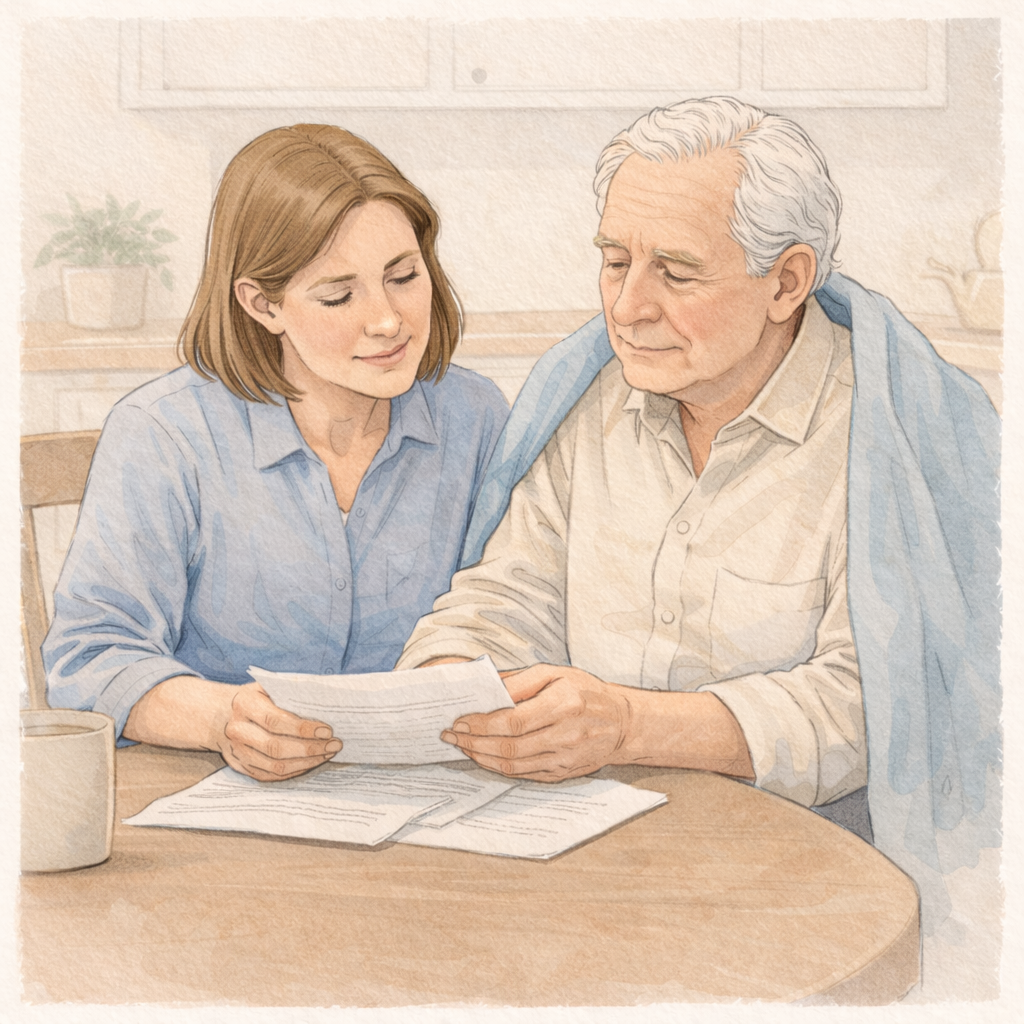
Illustration elder and agency caregiver

When Families Typically Consider This

  • During hospital or rehabilitation discharge planning.
  • When returning home after a short-term inpatient stay.
  • When home health or caregiver visits are scheduled but not continuous.
  • When families are unsure what “normal” will look like after discharge.
  • When distance or work schedules limit in-person oversight.

How Discharge Managers
Use This Resource

Use of this resource is always optional. Discharge planners may share this resource:

  • As part of informational materials provided to families returning home.
  • To support conversations about staying informed during the early transition period.
  • As an optional educational reference families can review after discharge.

When To Introduce It

  • During discharge preparation when discussing home-transition planning.
  • When families ask how to stay informed during the first weeks at home.
  • When the care plan involves intermittent caregiver visits or family check-ins.
  • When families want reassurance tools that do not involve cameras or wearables.

Share With Families

Share the referral link or QR code below. Attribution is recorded when families use this link.

Alerta Home Link:

QR Code
QR code for attributed link

Include this QR card in the information that you share with families, or send it in a follow-up email.

Download QR Code

If you don’t have a referral code, share the Alerta Home link, and contact Alerta Family to request setup.
Request Referrer Setup


Family Scenarios: Recommended Reading

These family-facing pages explain common care situations in plain language. They’re useful to share in follow-up emails or include in a care-plan packet.

After a Fall

Families often want reassurance and context after a fall—without surveillance.

View Page
Family Scenario High-leverage moment

After Hospital Discharge

A post-discharge scenario page: between check-ins, without cameras or wearables.

View Page
Family Scenario Transition

Routine Changes

When families sense “something is changing,” they often want calm context.

View Page
Family Scenario Gradual change

Caregiver Gaps

Between caregiver visits, families may want reassurance without monitoring.

View Page
Family Scenario Between visits

Printable Handout for Families

A short overview designed for families. Print for care-plan packets or email it after a visit.


Assisted Referral Option

If a family prefers help (or if you’d like Alerta Family to follow up directly), submit an assisted referral. This is optional and separate from the self-service store purchase path.

Submit Assisted Referral
Illustration quiet place

What This Is Not

  • Not clinical monitoring or medical oversight.
  • Not a replacement for discharge planning, home health, or follow-up care.
  • Not a diagnostic, predictive, or treatment tool.
  • Not emergency detection or response.